

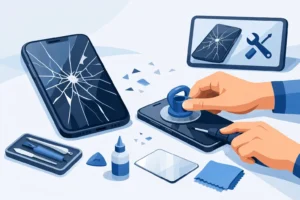
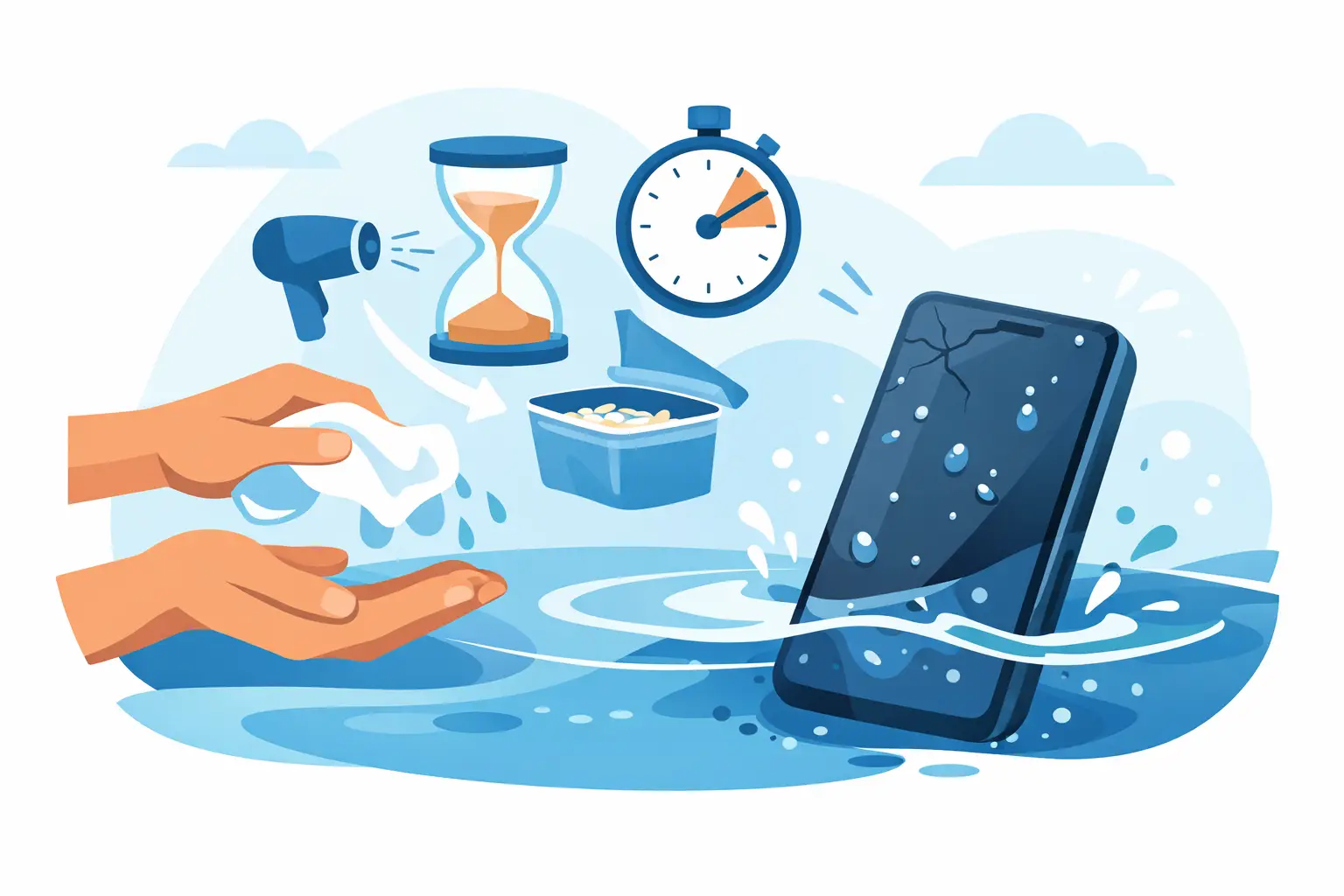
A phone slipping into a sink, bath, puddle or even a cup of tea can go from annoying to expensive in seconds. If you are searching for how to save water damaged phone, the first few minutes matter more than most people realise. The right response can improve the chance of recovery. The wrong one can turn a repairable device into a dead motherboard.
Water damage is not always immediate or obvious. Some phones power on after getting wet, then fail hours or days later when corrosion starts spreading across internal components. That is why speed matters, but so does doing the correct thing in the correct order.
How to save water damaged phone – the first steps
The first priority is to cut power. If the phone is still on, switch it off straight away. Do not test the touchscreen, do not try your luck with a quick message, and do not plug it in to see whether it still charges. Electricity and moisture are a bad combination, and even a brief attempt to use the device can cause short circuits.
If your phone has a removable case, take it off. Remove the SIM tray as well. If the model has a removable battery, take that out immediately. Most modern phones do not, so the safest move is simply to keep the device powered off.
Next, dry the outside gently with a clean, absorbent cloth. Focus on visible moisture around ports, speaker grilles, buttons and camera openings. You are not trying to force water deeper into the phone, so avoid shaking it aggressively or pressing hard around the edges.
Once the obvious moisture is removed, place the phone in a dry, ventilated area. Position it so gravity can help any trapped liquid move away from sensitive areas such as the charging port. Then leave it alone.
What not to do with a water damaged phone
A lot of bad advice still circulates online, and some of it causes more harm than the original accident. Rice is the most common example. It sounds practical, but dry rice does very little for moisture trapped inside a sealed phone. It can also leave dust or starch particles in ports.
Heat is another mistake. Do not use a hairdryer, radiator, oven or heated airing cupboard. Excessive heat can warp seals, damage the screen, weaken adhesives and push liquid further into the device.
It is also risky to keep pressing the power button to check whether the phone has survived. If moisture is still inside, each attempt increases the chance of board-level damage. The same applies to charging. Plugging in a wet phone is one of the fastest ways to turn a recoverable fault into a serious internal repair.
If the phone was dropped into salt water, chlorinated water, soapy water or a sugary drink, the risk goes up. These liquids leave conductive or corrosive residue behind. Even if the handset looks dry on the outside, the contamination inside can continue damaging components unless it is properly cleaned.
Why some phones survive and others do not
Not all water damage is equal. Fresh tap water is generally less aggressive than seawater or fizzy drinks. A quick splash is different from full submersion. A newer device with some water resistance may cope better than an older handset with worn seals, a cracked back, or previous repair history.
Water-resistant ratings can also create false confidence. These ratings are tested in controlled conditions, not after a year of pocket wear, a previous screen replacement, or a drop onto the pavement. A phone advertised as water resistant can still suffer internal damage after real-world exposure.
The timing matters too. If a device is switched off immediately and assessed properly, the odds are better. If it stays powered on in a damp pocket for two hours, corrosion has much more time to develop.
How long should you leave it to dry?
People often ask whether leaving the phone for 24 or 48 hours is enough. The honest answer is that it depends. Surface moisture may evaporate, but liquid trapped under shields, connectors or chips can stay put for much longer. Drying time alone does not remove mineral deposits, sugar residue or corrosion.
If the phone had a minor splash and never lost function, a careful drying period may be enough. But if it went fully underwater, powered off unexpectedly, showed screen issues, stopped charging, or became hot, passive drying is rarely the full answer.
That is where professional assessment makes a real difference. A proper repair process is not just drying. It involves opening the device, disconnecting the battery, inspecting the board, cleaning affected areas with the right materials, and checking which parts have actually failed.
Signs your phone has internal water damage
Sometimes the damage is obvious. The phone will not turn on, the display flickers, or the charging port stops responding. In other cases the signs are more subtle. You may notice muffled speakers, a foggy camera lens, random restarts, weak signal, touch problems, battery drain or overheating.
These symptoms can appear gradually because corrosion spreads over time. A phone that seems mostly fine on day one can become unreliable by day three. That is why it is worth treating any significant water exposure seriously, even if the handset appears to recover at first.
Many phones also have liquid contact indicators inside. These can help confirm exposure, but they do not tell the full story. Two phones with the same indicator result can need very different repairs depending on where the liquid reached.
When to seek professional repair
If the phone was submerged, if it was exposed to anything other than clean water, or if it is showing any signs of fault, professional repair is the safest route. The aim is not simply to get it to turn on. The aim is to prevent ongoing corrosion and avoid hidden failures later.
A professional technician will usually begin with a diagnostic check. That means opening the device carefully, isolating the power source, and inspecting the internal board and connectors under magnification. In some cases, cleaning and drying are enough. In others, parts such as the screen, battery, charging port or cameras may also need replacement.
There is a trade-off here. If the phone is older and has severe liquid damage, the cost of a full repair may not make sense compared with replacement. But when the device contains valuable photos, work apps, two-factor authentication, or business data, the priority may be recovery rather than pure repair cost.
For many customers, especially those who rely on their phone daily for work or family life, quick diagnosis matters as much as the repair itself. A local repair shop with the right tools can often tell you far sooner than a wait-and-see approach whether the phone is salvageable.
Can you save the data if the phone cannot be saved?
Often, yes. Data recovery depends on the level of board damage and whether the phone still allows access to storage. Sometimes the handset itself is beyond economical repair, but the data can still be retrieved with the right technical process.
This is one reason not to keep trying home fixes for too long. Repeated charging attempts, heat exposure and power cycling can make data recovery harder if the board fails more seriously. If the contents of the device matter, the best move is to stop experimenting and get it assessed properly.
A practical way to think about it
If your phone has had a light splash and is working normally, power it down, dry it carefully, leave it in a ventilated area, and monitor it closely before using it again. If it has been submerged, exposed to dirty or sugary liquid, or started showing faults, treat it as an internal damage issue from the start.
That approach is more realistic than relying on internet myths. It also gives you a better chance of avoiding repeat failures, where a phone seems fine for a short time and then dies after corrosion has already set in.
At iRepair, this is exactly the sort of problem we see regularly. The phones with the best outcomes are usually the ones brought in early, before charging attempts and home remedies have made the damage worse.
A wet phone does not always mean a lost phone, but it does mean you need to act with care. Switch it off, keep it unplugged, avoid rice and heat, and if there is any doubt, get it checked properly. A calm, correct response gives your device the best chance – and sometimes saves the data that matters even more.