

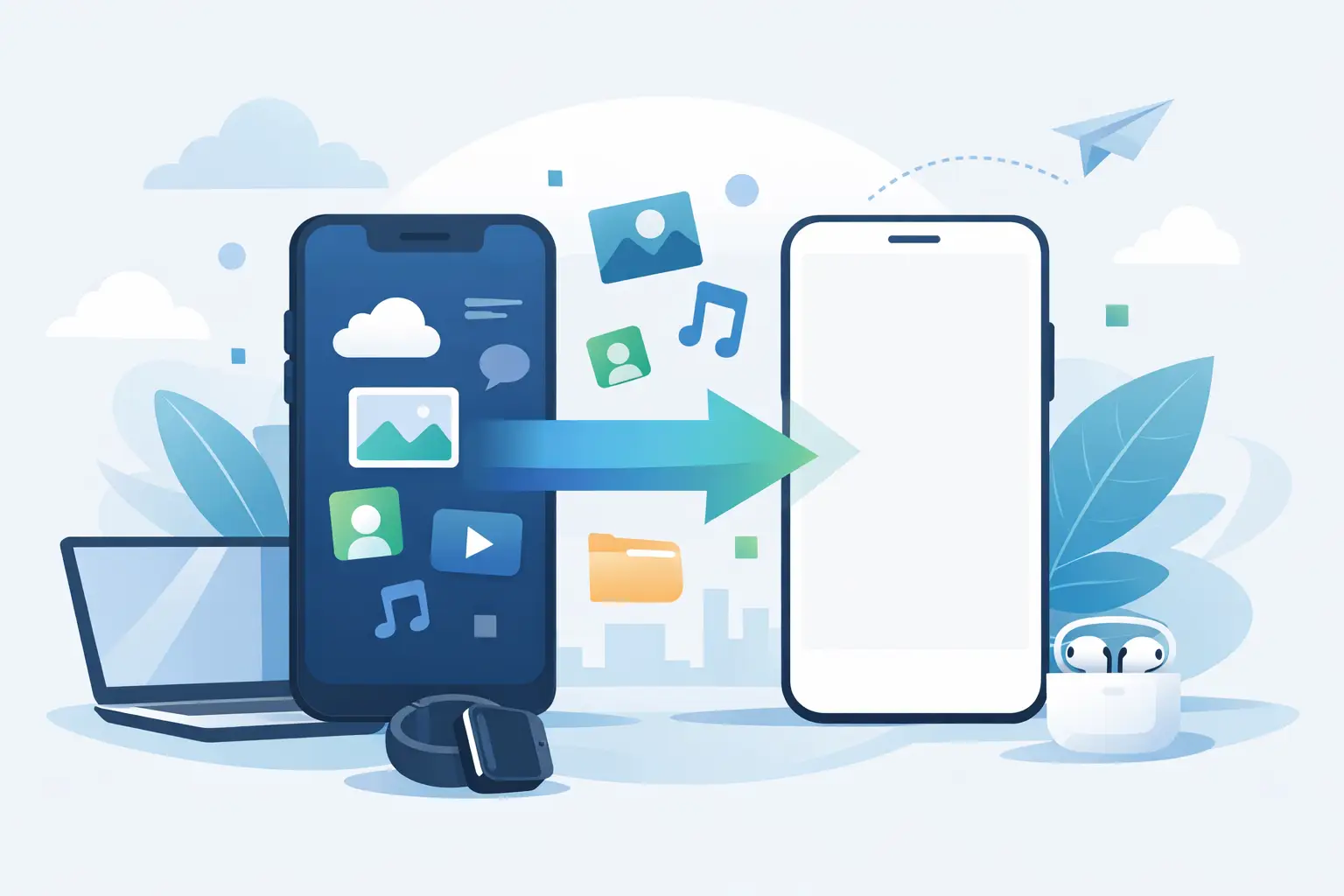
A new phone should feel like an upgrade, not a risk. The biggest worry for most people is simple: will everything make it across properly? If you are looking for data transfer to new phone Ascot customers can rely on, it helps to know what should move over, what often gets missed, and when it is worth having a technician handle it.
A proper transfer is not just about contacts and a few photos. For many people, their phone holds years of messages, app logins, notes, calendars, work files, banking apps, and two-factor authentication settings. If even one part of that is missed, setting up a new device can quickly become frustrating.
What data transfer to new phone Ascot usually includes
In most cases, a standard phone transfer covers the essentials first. That means contacts, photos, videos, calendars, call history, and often text messages. Depending on the device and how it has been backed up, it may also include app data, Wi-Fi settings, wallpaper, notes, and saved preferences.
That said, not all data behaves the same way. Photos stored in cloud services may reappear once you log in, while locally stored files need to be copied directly. Messaging apps can be straightforward or awkward depending on the platform. WhatsApp, for example, can usually be transferred, but only if the backup settings are correct and the destination phone is prepared properly.
This is where people often assume everything is automatic. It is not. Some apps move cleanly, some require manual sign-in, and some data stays behind unless the transfer is handled in the right order.
Why phone transfers sometimes go wrong
The most common issue is incomplete preparation. If the old phone has not been backed up recently, or if the new phone is already partly set up with another account, data can duplicate, overwrite, or fail to restore properly.
Storage is another problem. If the new phone does not have enough free space, the transfer may stop halfway through or skip large items such as videos. A weak battery, damaged charging port, poor cable, or unstable Wi-Fi can also interrupt the process.
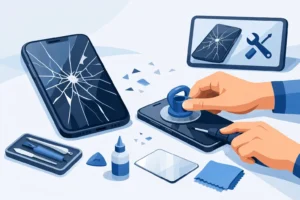
Then there is the condition of the old handset itself. If the screen is cracked but working, a transfer is usually still possible. If the phone has battery failure, charging problems, or motherboard damage, recovering data becomes more technical. In those cases, guessing your way through it can make things worse.
iPhone to iPhone, Android to Android, and mixed transfers
If you are moving from iPhone to iPhone, the process is often the smoothest. Apple has built-in options that can copy settings, apps, and content directly, especially if both devices are healthy and the old one can still be unlocked. Even then, app logins and banking security checks may still need to be redone manually.
Android to Android transfers can also work well, but the result depends more on the make and model. A Samsung-to-Samsung move may pull across more settings than a transfer from an older Huawei or Motorola device. Different manufacturers handle backups slightly differently, so the experience is not always consistent.
Moving from iPhone to Android or Android to iPhone is where expectations need to be realistic. Contacts, calendars, photos, and many files can usually be moved, but not every app transfers with its exact data intact. Paid apps may need downloading again, message histories can be limited, and some settings simply do not exist on the new platform.
The data people care about most
For most customers, the priority is not the whole phone. It is the personal stuff that cannot be replaced.
Photos and videos usually top the list, followed closely by contacts and messages. For business users, email setup, notes, authentication apps, and saved documents matter just as much. Parents often want school apps, family photos, and shared calendars preserved. Students are more likely to ask about lecture notes, cloud files, and messaging history.
The tricky part is that these are often spread across the device, the SIM, cloud accounts, and third-party apps. That is why a proper transfer starts with identifying where the data actually lives. Without that step, people can think they have lost something that is still online, or worse, wipe a phone before checking whether the data was local only.
Before you transfer, do these checks
A bit of preparation makes a big difference. Before starting any transfer, make sure both devices are charged, both screen locks are known, and the latest backup has been checked rather than assumed.
It also helps to review how much storage the old phone is using compared with the available space on the new one. If the old handset is nearly full and the new one has less capacity, some decisions may need to be made first. Large videos, duplicate downloads, and unused apps can be cleaned up before the move.
You should also know the passwords for key accounts. That includes Apple ID or Google account details, email passwords, and any app that uses two-factor authentication. Many transfer problems are not really transfer problems at all – they are login issues discovered too late.
When professional help makes sense
Some transfers are simple enough to do at home. If both phones are healthy, backed up, unlocked, and on the same platform, you may be fine using the built-in setup tools.
Professional help is worth it when the phone contains important work data, when the old handset is damaged, or when there is no room for trial and error. It also makes sense if you are moving between platforms and want someone to tell you clearly what will transfer, what will not, and what needs a manual workaround.
A technician can also spot underlying issues before the transfer starts. A failing battery, unstable charging port, damaged storage chip, or software fault can interrupt the process and risk corruption. Proper tools and a careful approach matter more than most people realise.
What a proper transfer service should look like
A good service should be straightforward. You should be told what data is likely to transfer, what depends on your accounts, and whether there are any risks based on the condition of the device.
You should also get clear pricing before work starts. If extra recovery work is needed because the old phone is damaged, that should be explained properly, not added as a surprise later.
Most importantly, the person handling the device should treat it like more than just hardware. Phones carry personal history, business access, and private information. The process needs care, patience, and respect for security.
That is why many local customers prefer dealing with a repair shop where they can speak directly to a technician rather than sending a device away and waiting for updates. If a problem appears during transfer, it can be explained clearly and dealt with quickly.
Common questions about data transfer to new phone Ascot
One question comes up constantly: will absolutely everything transfer? The honest answer is no, not always. Most essential data can usually be moved, but some app data, saved sessions, and security settings may need to be set up again.
Another common concern is whether a broken phone can still be transferred. If the phone powers on and the internal storage is intact, there is a reasonable chance. If it does not switch on, the answer depends on whether the fault is with the battery, charging circuit, screen, or logic board.
People also ask how long it takes. A basic transfer can be fairly quick, but a large library of photos and videos, software issues, or a damaged device can extend the time considerably. Fast service is helpful, but accuracy matters more.
A practical way to avoid losing anything important
The safest approach is to treat transfer and backup as two separate jobs. First make sure the old device still contains the data you need. Then confirm there is a backup or direct copy before erasing anything.
Do not factory reset the old phone just because the new one seems mostly set up. Check your photos, open your notes, confirm your contacts, and make sure key apps behave as expected. It takes a few extra minutes and can save a great deal of stress.
If the process feels uncertain, especially with a damaged handset or important business data, getting proper support is the sensible option. A careful transfer is far cheaper than trying to recover data after it has gone missing.
Changing phones should be the easy part. When the transfer is handled properly, your new device feels familiar from the moment you switch it on – and that is exactly how it should be.