


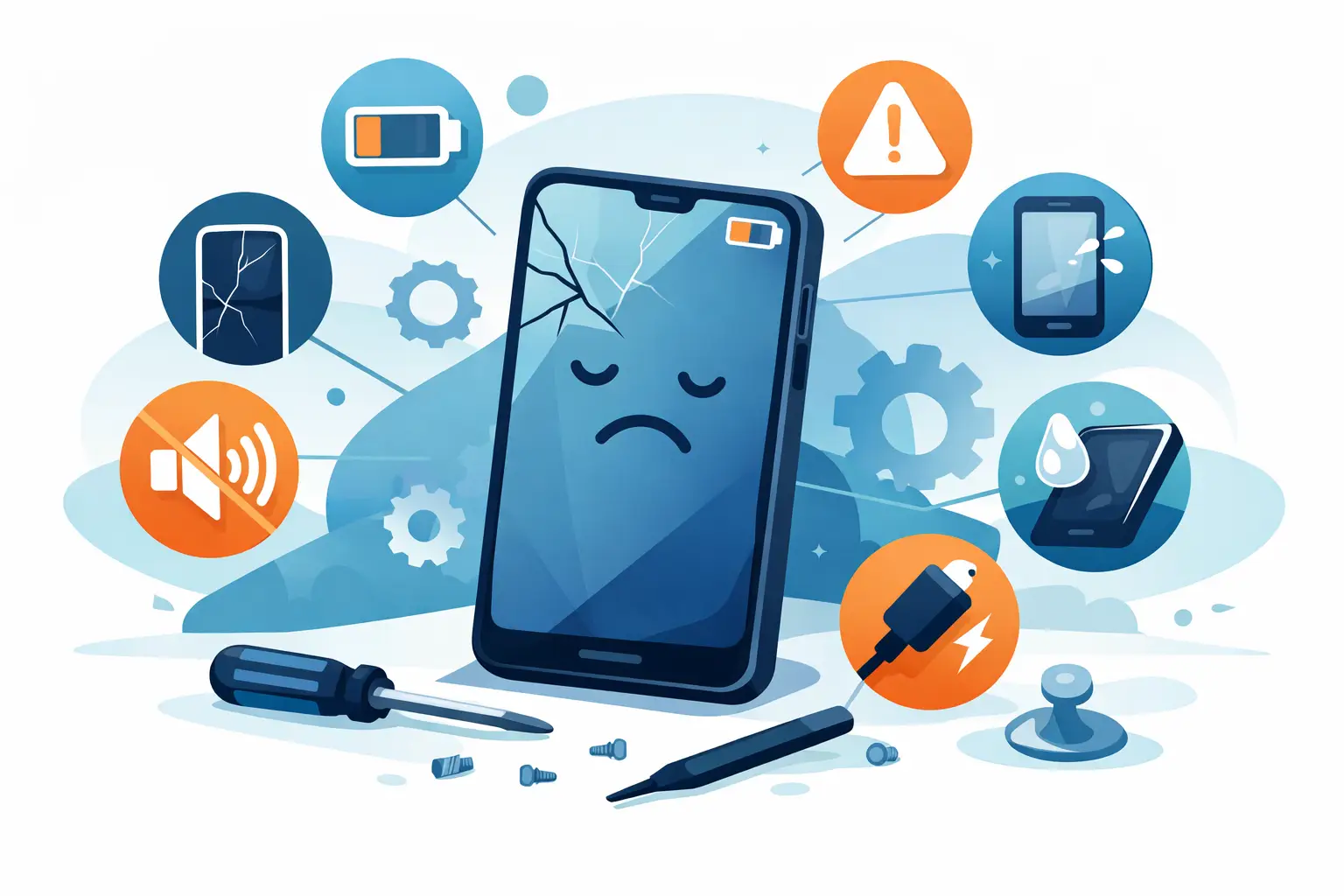
A phone rarely fails all at once. More often, it starts dropping hints – the battery fades by lunchtime, the screen stops responding properly, or the charging cable only works if you hold it at a strange angle. The best signs your phone needs repair are usually easy to spot once you know what to look for, and acting early can save you money, data, and a much bigger fault later on.
For most people, a phone is not a luxury device sitting in a drawer. It is your alarm clock, bank card, camera, sat nav, work tool, and main way of staying in touch. When it starts misbehaving, it affects far more than a few texts and calls. That is why the real question is not just whether something is wrong, but whether the problem is likely to get worse if you leave it.
Best signs your phone needs repair before it fails completely
Some issues are obvious, like a smashed screen. Others are easier to dismiss because the phone still turns on and mostly works. In our experience, those smaller faults are often the ones people leave too long.
1. Your battery drops quickly or shuts down at random
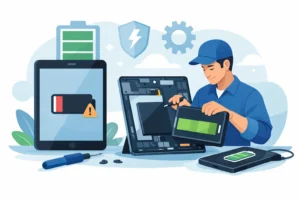
If your phone used to last all day and now struggles to reach the afternoon, the battery may be worn out. Lithium-ion batteries do not last forever. Over time they hold less charge, recharge less efficiently, and can become unreliable.
Random shutdowns are a stronger warning sign than simple battery drain. If the phone switches off at 20 or 30 per cent, that usually points to a failing battery rather than normal ageing. Sometimes software can also affect battery life, so proper diagnosis matters. The fix may be a battery replacement, but it is worth checking first that background apps or a recent update are not part of the problem.
2. The phone gets unusually hot
A bit of warmth during charging, gaming, or video calls is normal. A phone that becomes very hot during everyday use is not. Persistent overheating can point to a weak battery, charging fault, power management issue, or internal damage.
Heat matters because it can cause secondary problems. It may shorten battery life further, slow the device down, and in some cases damage other internal components. If your phone is uncomfortable to hold or regularly overheats while doing basic tasks, it is worth having it checked rather than hoping it settles down on its own.
3. Charging is slow, intermittent, or impossible
Many charging problems start gradually. First the cable feels loose. Then charging only works from one side or at a certain angle. Eventually the phone stops charging altogether.
In some cases, the issue is simple – pocket lint in the charging port or a damaged cable. In others, the port itself is worn, bent, or detached internally. Wireless charging problems can also point to internal component faults. This is one of the best signs your phone needs repair because it rarely improves by itself, and forcing the cable can make the damage worse.
4. The screen is cracked, lifting, flickering, or unresponsive
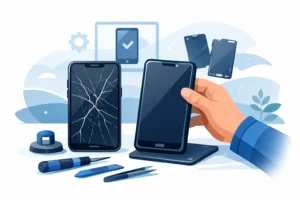
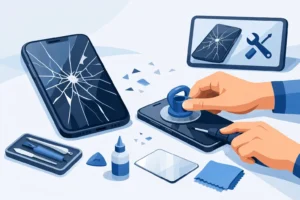
A cracked screen is not just a cosmetic issue. Even small cracks can spread, affect touch sensitivity, and leave the display or internal layers vulnerable to moisture and pressure damage. If the glass is lifting away from the frame, that can also suggest battery swelling underneath, which needs prompt attention.
Flickering, black spots, dead lines, ghost touches, and delayed response all point to screen or display damage. Sometimes the front glass looks mostly intact but the OLED or LCD panel underneath has taken a hit. If typing becomes frustrating or the display starts failing in patches, repair is usually more sensible than struggling on.
Signs your phone needs repair after drops or liquid exposure
Accidents do not always cause immediate failure. A dropped phone might seem fine for a week and then develop display, camera, or charging issues. Water damage can be even more deceptive.
5. The cameras have gone blurry or stopped focusing
If your photos suddenly look hazy, shaky, or out of focus, the camera module may have been damaged. A drop can knock the stabilisation system or lens assembly out of alignment. Dust or moisture inside the lens can also affect image quality.
For anyone using their phone for work, school, online selling, or family photos, camera faults are more than a minor inconvenience. They also tend not to fix themselves. If cleaning the lens makes no difference, the issue is likely internal.
6. There are signs of water damage, even if the phone still works
People often assume that if the phone turns back on after getting wet, they have got away with it. Not always. Liquid can start corrosion inside the device long before complete failure appears.
Warning signs include muffled speakers, a foggy camera lens, patchy charging, distorted display colours, or buttons that stop clicking properly. Even a small amount of moisture can affect connectors and board-level components. The longer liquid residue stays inside, the higher the risk of lasting damage. Quick professional treatment gives you a better chance of avoiding a more expensive repair later.
7. The back glass is broken or the frame is bent
Back glass damage is easy to ignore because it does not always stop the phone working straight away. The problem is that cracks weaken the housing, make the device less resistant to dust and moisture, and leave internal parts more exposed after the next knock.
A bent frame is more serious than it looks. It can place pressure on the display, battery, and internal boards. If the phone no longer sits flat or the buttons feel misaligned, that usually means the impact affected more than the outer casing.
When poor performance points to a real hardware fault
Not every slow or glitchy phone needs a hardware repair. Sometimes a storage clean-up, software update, or operating system reinstall is enough. The key is knowing when poor performance has crossed the line from annoying to abnormal.
8. Apps crash constantly or the phone freezes during basic tasks
Phones do slow down as they age, but they should still cope with ordinary jobs like calling, messaging, browsing, and using maps. If apps keep closing, the phone freezes on simple tasks, or it restarts without warning, there may be a deeper issue.
Software corruption is one possibility. Failing storage, power faults, or damage to the logic board are others. This is where guesswork often costs people time and money. Replacing parts without testing properly can miss the actual cause. A clear diagnostic is the sensible first step, especially if the device contains important photos, business apps, or two-factor login access.
9. Sound, signal, or buttons stop working properly
A phone that cannot hold signal, drops Wi-Fi unexpectedly, or has no clear audio on calls may have suffered antenna, speaker, microphone, or board-level faults. Equally, if the volume buttons, power button, or mute switch feel inconsistent, there may be internal wear or damage.
These faults are not always dramatic, but they affect daily use in a very real way. If you miss calls because the earpiece is too quiet, cannot be heard on voice notes, or need three attempts to switch the phone on, the device is no longer reliable. That is usually the point where repair becomes more practical than coping with workarounds.
Repair now or replace the phone?
It depends on the age of the device, the fault involved, and the overall condition. A simple battery, screen, or charging port repair is often far better value than replacing the phone entirely, especially if the rest of the handset is in good condition. On the other hand, if a much older phone has multiple faults and poor battery health, replacement may make more sense.
The important thing is not to assume either option without proper assessment. A professional repair shop should be honest about whether a repair is worthwhile, what parts are needed, how long it will take, and whether there are any risks to data or future reliability. Clear pricing and a warranty matter here because they tell you whether the repair is being done properly or just patched up.
If you are in places like Bracknell, Wokingham or Camberley and need a quick answer, local diagnosis can save a lot of unnecessary delay. In many cases, a same-day repair is possible for common faults, which means less disruption and less temptation to keep using a damaged device until it fails completely.
A phone usually tells you when something is wrong. The trick is listening before a small issue becomes a dead screen, lost data, or a repair that could have been simpler and cheaper a week earlier.