


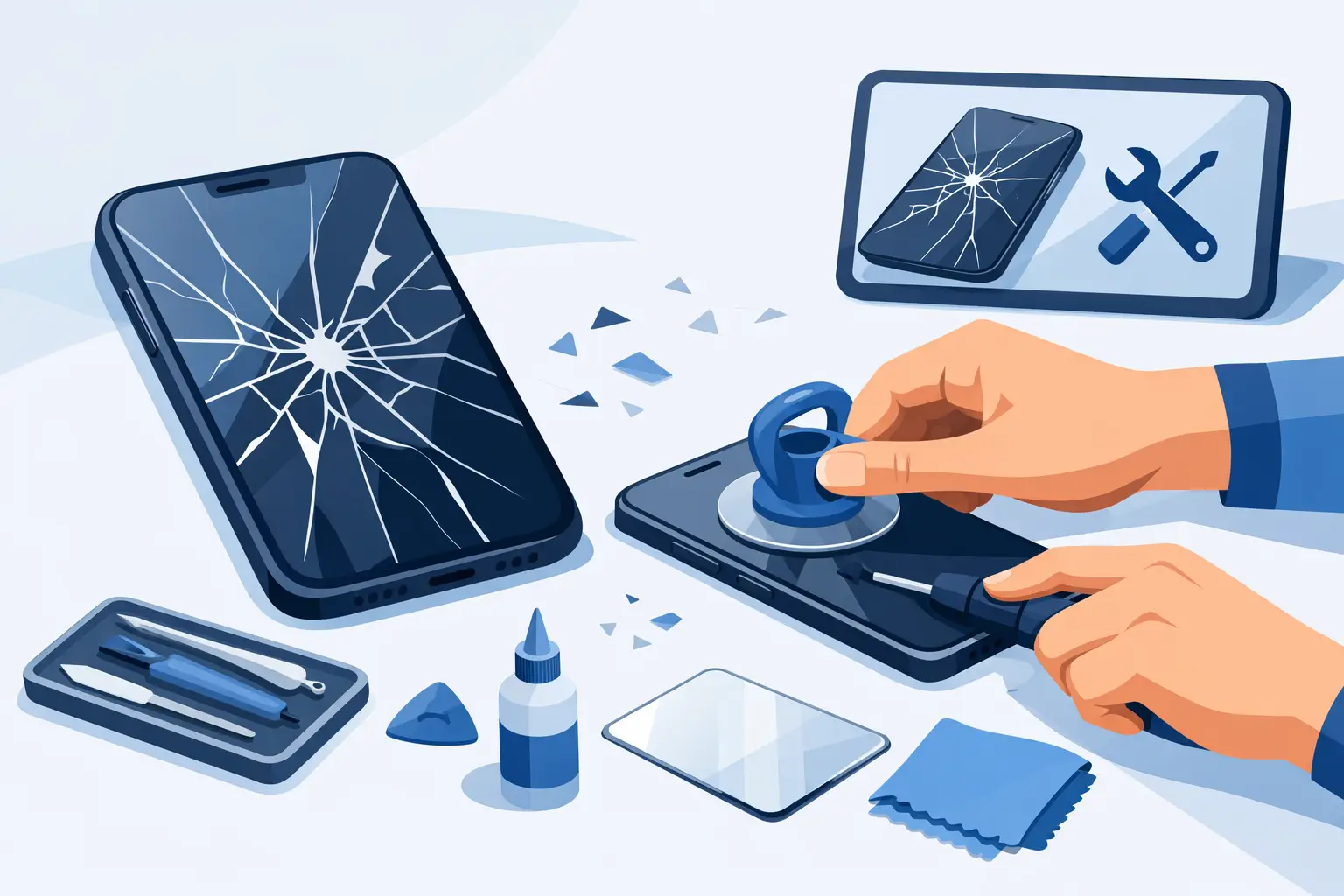
That sharp line across the glass rarely stays as one neat crack for long. A phone screen that still lights up today can become unresponsive, dangerous to handle, or far more expensive to repair if it is left exposed. If you are wondering how to fix cracked phone screen damage, the right answer depends on what is actually broken – just the outer glass, the display underneath, or the frame holding it all together.
A lot of people search for a quick home fix, usually because they need the phone working straight away and do not want any hidden cost. That is understandable. The trouble is that cracked screen damage is often more than cosmetic, and the wrong repair can turn a straightforward screen replacement into a bigger job involving the frame, battery, face ID components, or the main board.
How to fix cracked phone screen damage: first check what failed
Before you do anything, look past the obvious crack. If the image is clear, touch works properly, and there are no black patches, coloured lines, or flickering, you may only have damaged the top layer. If the display shows ink-like bleeding, half the screen is dead, or touch has become erratic, the screen assembly itself has failed.
It also matters where the crack is. Damage near the edges can weaken the seal and let in dust or moisture. Damage near the front camera or fingerprint area can affect sensors. If the frame is bent, a new screen may not sit correctly until the housing is straightened or replaced.
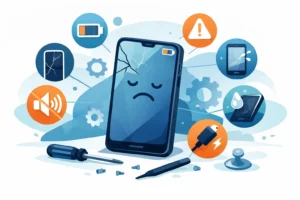
A simple check at home can tell you a lot. Test brightness, touch response, front camera, speaker, earpiece, charging, and face or fingerprint unlock. If any of those have changed since the drop, there may be more going on than broken glass.
What to do straight away
If the screen is cracked but the phone still works, start by protecting both yourself and the device. Small glass splinters are easy to miss and can get worse in a pocket or bag.
Turn the phone off if the display is glitching, overheating, or pressing things on its own. If it is stable, back up your data as soon as possible. Then apply a temporary screen protector or clear tape over the damaged area to reduce further spreading and stop loose shards lifting away.
Avoid pressure. Do not keep the phone in a tight pocket, and do not press hard on the damaged section to make touch work. That can finish off a display that might otherwise have remained usable until repair.
Can you fix a cracked phone screen yourself?
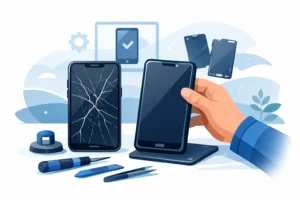
Sometimes, but not always wisely. The real question is not whether a screen can be replaced at home. It is whether you have the right part, the right tools, and enough experience to remove the old screen without damaging the rest of the device.
Modern phones are tightly built. Screens are bonded with strong adhesive, opening angles matter, and some models place delicate flex cables where an inexperienced repair can tear them in seconds. Water-resistant models are another consideration. Once opened, the original seal is broken, and restoring that protection properly takes more than sticking the phone back together.
DIY repair makes more sense on older, lower-value models where the risk is easier to justify. On newer iPhones, Samsung devices, premium Android phones, and anything that uses advanced biometric features, the margin for error is much smaller.
The DIY route: what it actually involves
If you are set on repairing it yourself, be realistic about the process. This is not a five-minute fix with household items.
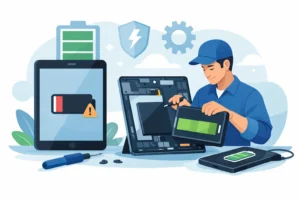
You would need a model-specific replacement screen, proper opening tools, controlled heat, suction tools, precision screwdrivers, adhesive, and a clean workspace. You also need to disconnect the battery before handling display connectors. Skipping that step can cause shorting or damage to backlight and touch circuits.
Once opened, the old screen usually has to be lifted carefully, with attention to cable routing and any transferred parts such as the earpiece assembly, front sensor bracket, or home button. On some phones, those original components are linked to functions that cannot simply be swapped without care. Fitment also matters. A poor-quality panel may have weak brightness, poor touch sensitivity, odd colours, or battery drain issues.
Even when the screen turns on after a DIY repair, that does not always mean the repair was successful. If adhesive is uneven, the panel can lift. If the frame is slightly bent, pressure points can crack the new screen again within days.
What not to do
There are a few common shortcuts that cause more problems than they solve. Toothpaste, glue, nail varnish, and similar internet fixes do not repair a cracked display. At best, they mask the damage. At worst, they seep into the device and complicate a proper repair.
Do not use a hairdryer aggressively to loosen the screen. Too much uncontrolled heat can damage the battery, OLED panel, or internal adhesives. Do not pry deeply into the handset with metal tools. That is how batteries get punctured and charging coils get damaged.
Another mistake is buying the cheapest screen available without checking quality grade. The lowest-cost parts can look acceptable on day one and fail quickly with dim output, poor touch registration, or dead pixels.
When professional repair is the better option
If the phone is valuable, essential for work, or showing more than simple glass damage, professional repair is normally the safer and cheaper decision in the long run. A proper technician will confirm whether the issue is limited to the display or whether the frame, battery, housing, or board also took impact damage.
This matters because cracked screens are often part of a bigger story. We regularly see phones with failed screens and hidden bending, loose battery adhesive, damaged proximity sensors, or charging issues that appeared after the same drop. Replacing the screen alone without checking the rest can leave you with an incomplete fix.
A professional repair also gives you better control over part quality. Good repair shops explain whether they are fitting genuine or OEM-grade components, what warranty is included, and whether features like True Tone, fingerprint unlock, or brightness calibration will be checked after repair.
How to choose a repair shop
If you are comparing repair options, ask direct questions. What grade of screen are you fitting? Is labour included in the quote? Is there a warranty? Will the phone be tested after repair? Can I speak directly to the technician if I have questions?
Clear answers matter. So does honesty. If the frame is bent or the phone has a risk of underlying board damage, a trustworthy shop should tell you before the work starts, not after the invoice is printed.
For people in and around Bracknell, a local repair service can also make a real difference. You can often get a faster turnaround, speak to someone face to face, and avoid posting your device away for days with no clear update.
Cost versus replacement
One reason people look up how to fix cracked phone screen problems is that they are trying to avoid spending money unnecessarily. That makes sense, but compare the full value, not just the repair price.
If the phone is otherwise healthy and has years of use left, a quality screen replacement is usually far cheaper than buying a new handset. If the device already has heavy battery wear, frame damage, charging faults, or previous poor repairs, then the calculation changes. In those cases, a diagnostic first is the sensible step.
A good repair is an investment in keeping a working device reliable. A cheap repair that fails quickly usually costs more because you end up paying twice.
How to prevent the next crack
Once the screen is repaired, protection is worth taking seriously. A decent case with raised edges helps more than ultra-thin cosmetic covers. A properly fitted tempered glass protector adds another sacrificial layer. Neither makes a phone indestructible, but both reduce the chance of turning one drop into a full display replacement.
It is also worth checking habits. Phones dropped while getting out of the car, balanced on armrests, or carried loose with keys are involved in a large share of cracked screens. Prevention is not glamorous, but it is much cheaper than another repair.
A quick answer if you need one
If the crack is minor and the phone works normally, protect it, back it up, and arrange repair before the damage spreads. If the display is flickering, bleeding, unresponsive, or the frame is bent, skip the home remedies and get it assessed properly.
At iRepair, we always advise customers to treat cracked screens as a structural issue, not just a cosmetic one. The goal is not to patch it up for a week. It is to restore the device properly with the right part, careful fitting, and no hidden surprises.
A cracked screen does not always mean you need a new phone, but it does mean you should act before a manageable repair becomes a bigger fault.