


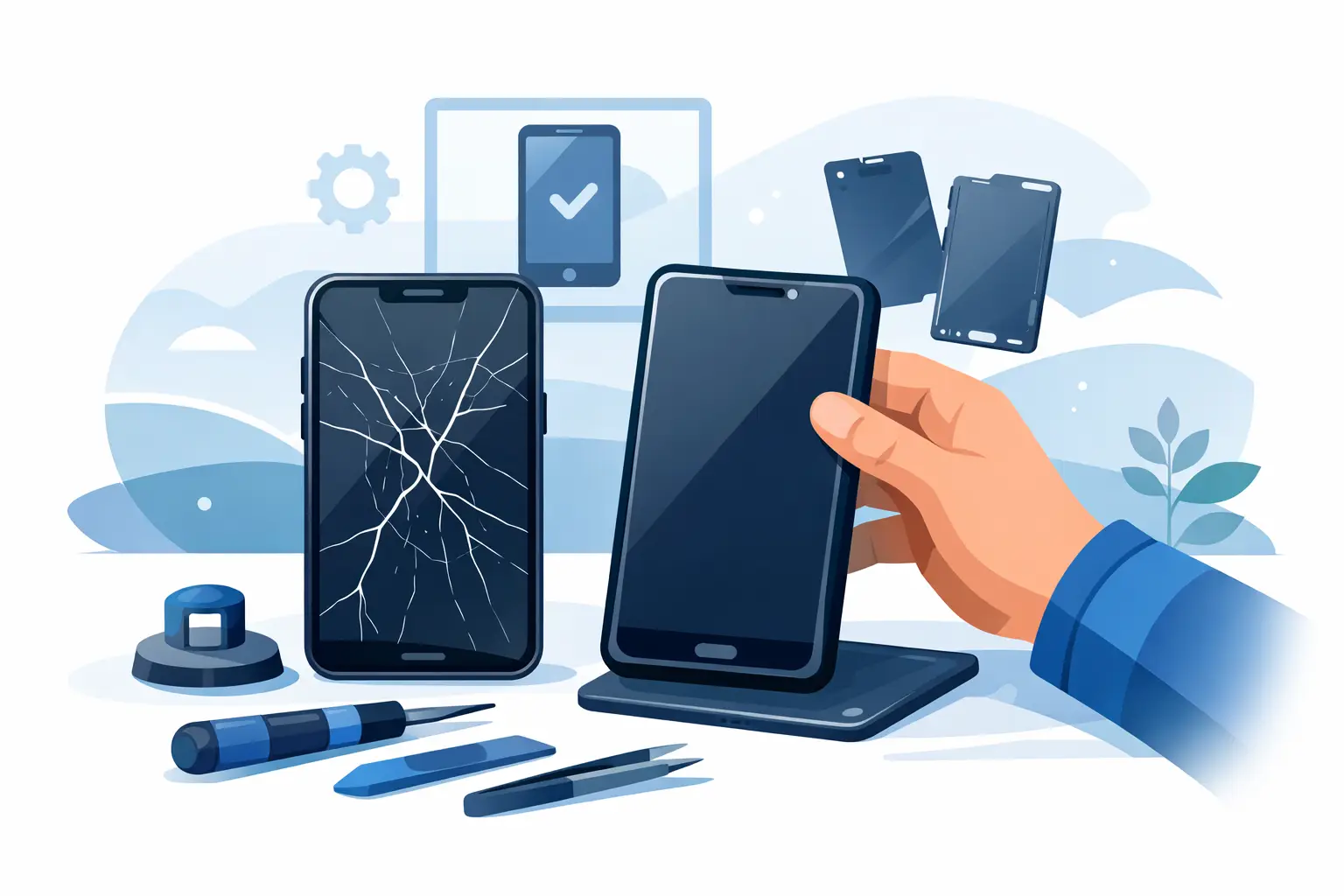
You usually know within a second whether a cracked display is just annoying or a proper problem. If the glass is splintering under your thumb, the touch stops responding, or half the screen has gone black, you need more than a screen protector. This guide to phone screen replacement is here to help you make the right call quickly, without wasting money on the wrong repair or replacing a phone that still has plenty of life left.
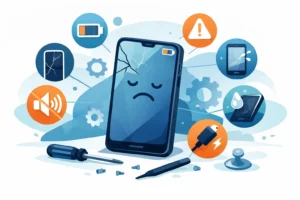
A damaged screen is one of the most common phone faults, but not every break is the same. Some phones have only cracked outer glass while the image underneath still looks normal. Others have display damage, touch faults, dead pixels or face recognition issues caused by impact. The difference matters, because the correct repair depends on what has actually failed, not just what it looks like on the surface.
What phone screen replacement actually involves
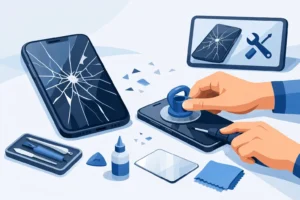
When people say they need a new screen, they often mean one of several different things. On many modern phones, the glass, touch layer and OLED or LCD panel are bonded together as one unit. In those cases, a proper screen replacement means fitting a full display assembly rather than swapping only the top layer.
That matters for quality and reliability. A cheaper repair that cuts corners on the part or skips proper fitting can leave you with poor brightness, weak touch response, lifted edges or face sensor problems. A professional repair should focus on restoring the phone properly, not just making the crack less visible.
Some models also require careful transfer of small components from the original screen, such as earpiece mesh, sensors or brackets. If these are damaged or fitted incorrectly, you can end up with calls that sound muffled, auto-brightness faults or dust getting into the front camera area.
A guide to phone screen replacement options
The first decision is whether to repair the device at all. In most cases, if the phone still holds a good charge, runs well and meets your daily needs, replacing the screen is far more cost-effective than buying a new handset. This is especially true for newer iPhones, Samsung Galaxy models and higher-end devices where the replacement cost is still much lower than the price of a new phone.
There are exceptions. If the phone has a cracked screen, failing battery, bent frame and charging fault all at once, repair costs can stack up. The same applies if water has entered the phone after the screen cracked, because internal corrosion may already be developing. A good technician will tell you honestly when a repair makes sense and when it does not.
You also need to choose between manufacturer service, insurance claim, mail-in repair or a trusted local shop. Manufacturer repair can be the right route for devices still under warranty, though accidental damage is usually not covered. Insurance can reduce the upfront cost, but excess charges and wait times vary. A local repair shop is often the fastest and most practical option if you need the device back quickly and want to speak directly to the person doing the work.
What affects the cost of a screen replacement
Price depends on more than screen size. The type of display is one of the biggest factors. OLED screens, especially on premium models, cost more than standard LCD panels. Curved screens, high refresh rate displays and models with integrated fingerprint sensors are also more complex.
Part quality matters as well. Genuine and OEM-grade parts cost more than low-grade aftermarket copies, but they usually deliver better colour accuracy, touch response and long-term reliability. If a quote seems unusually cheap, ask what kind of part is being used and whether warranty is included. Clear pricing should tell you what you are paying for, not leave you guessing.
Labour also varies depending on the phone. Some repairs are straightforward. Others require careful heating, adhesive removal, frame preparation, resealing and post-repair testing. Foldable phones, for example, are in a different league altogether and should only be handled by technicians with the right tools and experience.
Can you replace a phone screen yourself?
Technically, yes. Realistically, it depends on the model, your tools and your tolerance for risk.
Older phones with simpler construction can sometimes be repaired at home by a careful and patient user. Newer devices are less forgiving. They use strong adhesives, fragile flex cables and tightly packed components that are easy to damage during disassembly. Even opening the phone incorrectly can tear a cable, damage the battery or affect water resistance.
There is also the question of parts. Online kits can look tempting, but the quality is inconsistent. Some screens are dimmer than the original, some drain the battery faster, and some fail after a short period. Without proper testing equipment, you may not know whether the issue is only the screen or if there is hidden motherboard or connector damage as well.
For a spare device, a DIY attempt may be worth considering. For the phone you rely on for work, school, banking and family contact, professional repair is usually the safer option.
Signs you need more than a screen replacement
Not every impact leaves visible internal damage straight away. Sometimes the screen breaks and the phone seems usable, but other faults show up later. If the device restarts randomly, overheats, loses signal, or stops charging properly after a drop, the issue may go beyond the display.
Watch for green or purple lines, black ink-like spreading under the glass, ghost touches, unresponsive areas, and front camera or proximity sensor faults. These can all point to display assembly damage, but if the frame is bent or the housing is twisted, a new screen alone may not sit correctly. In that case, the repair needs proper assessment first.
This is where accurate diagnosis makes a difference. A good repair is not just fitting a part and hoping for the best. It means checking the frame, connectors, sensors and function of the handset before and after the work is done.
How to choose a repair service
A useful guide to phone screen replacement should also help you avoid poor workmanship. The easiest way to do that is to ask direct questions.
Ask whether the quote includes fitting and VAT if applicable. Ask what grade of part is being used. Ask if the repair comes with a warranty. Ask whether features such as Face ID, fingerprint scanning, True Tone or screen refresh rate will work as expected after repair. A professional shop should be comfortable answering clearly.
Turnaround time matters, but speed should not come at the expense of care. Same-day repair is often possible for common models, which is ideal if you need your phone back quickly. Still, the repair should include proper adhesive fitting, testing and quality control, not a rushed swap behind the counter.
If you are local to areas such as Bracknell, Camberley or Wokingham, a nearby repair specialist can often save you the hassle of posting your phone away and waiting days for updates. Being able to speak directly to a technician has real value, especially if the damage may involve more than the screen.
Protecting your data before repair
A screen replacement should not normally erase your data, but backing up first is still the sensible move. If the screen is still partially working, save your photos, contacts and messages before handing the phone over. If the display is too damaged to use, a technician may still be able to assist with temporary connection or image output depending on the model.
You should also remove any case or accessories, and if possible know your passcode. Many phones require unlocking after repair to test touch, cameras, speakers and sensors. Reputable repair shops handle this professionally and only use access needed for testing.
Aftercare matters more than most people think
Once the new screen is fitted, treat the phone carefully for the first day or so, especially if adhesive curing is part of the repair. Avoid pressure on the display, keep it away from moisture and do not assume it is as impact-resistant as new just because it looks perfect.
A decent case and a properly fitted tempered glass protector are still worth having. They will not make the phone unbreakable, but they can reduce the chance of another costly repair. If your old case is warped from the impact, replace it. A damaged case can put uneven pressure on the new screen.
For many people, a cracked phone screen feels like the start of a bigger expense. Often it is not. With the right diagnosis, the right part and a repair done properly, your phone can be back to normal faster than you expect. If you are unsure whether your device needs a straightforward screen swap or a closer inspection, the best next step is simple – get it checked before the damage turns into something more expensive.